Seamless Wood Plank and Denim Textures: What They Are and How to Use Them
A good texture does quiet work. A wood plank texture turns a flat product photo into a tabletop scene, and a denim texture gives a digital design the feel of real cloth. This guide covers what a seamless texture is, where wood and denim textures are most useful, and how to get a clean result.
What makes a texture seamless?
A seamless texture is an image whose left edge matches its right edge and whose top matches its bottom. Place copies side by side and the joins disappear, so one small file can cover a surface of any size. A texture that is not seamless shows a visible line every time it repeats.
Wood plank textures
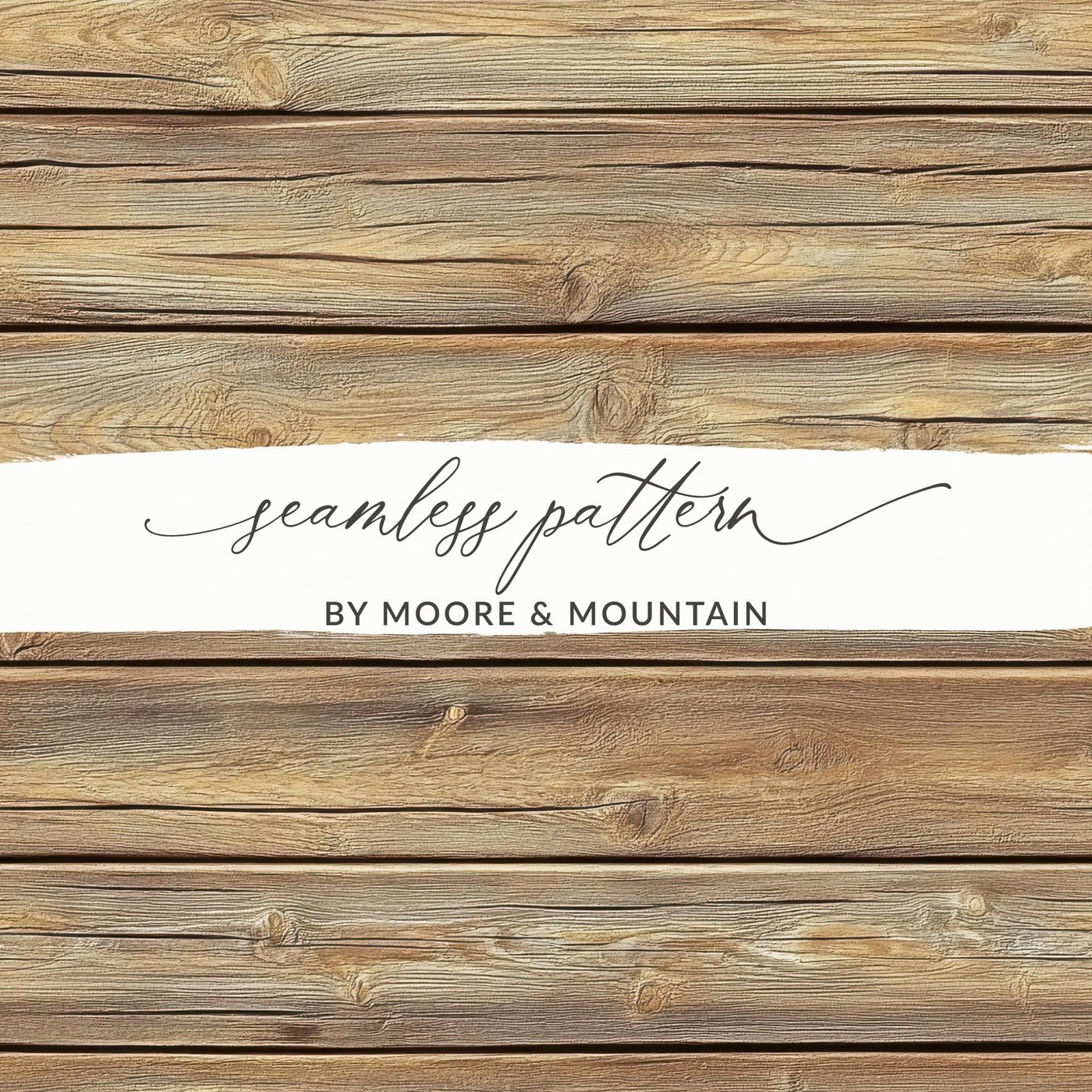
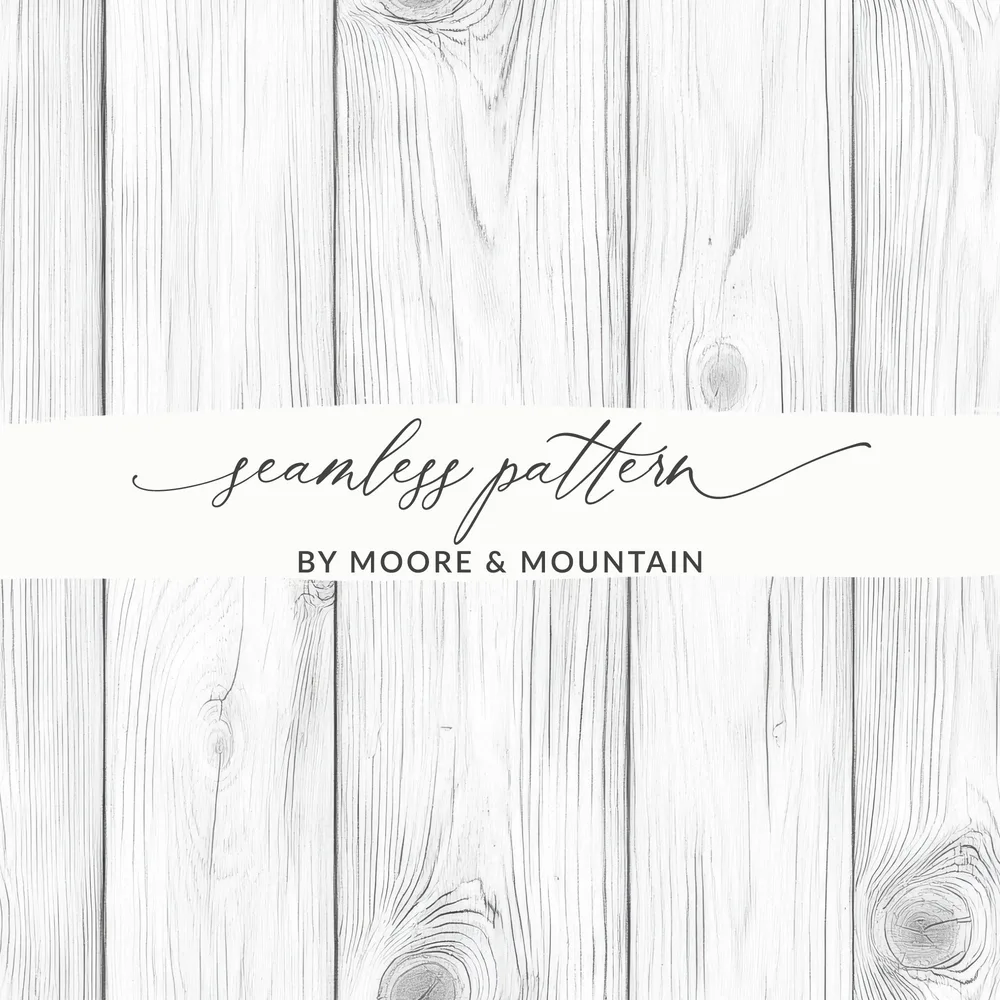
Wood planks are the most used background texture in craft and product design. A pale board such as this light wood plank texture keeps the attention on whatever sits on top of it, while a distressed white wood gives a farmhouse look and a rustic wood plank adds warmth.
Flat-lay and mockup backgrounds. Drop a product image, a card design or a sticker sheet onto a wood surface.
Signs and wall art. A plank background behind lettering reads as a painted wooden sign.
Sublimation and print. Tumblers, coasters, cutting boards and ornaments.
Web and social graphics. Page backgrounds, banners and story templates.
Denim textures
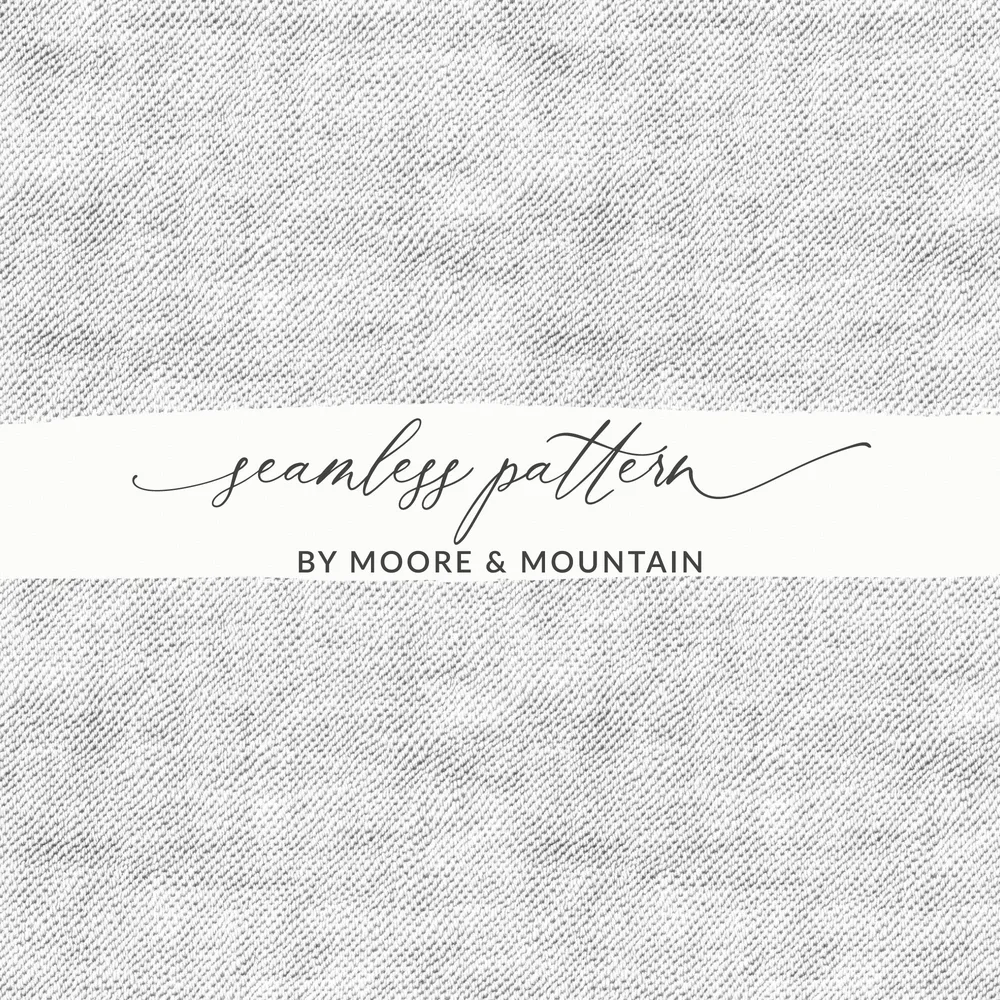
A denim texture captures the diagonal weave and uneven fade of jean fabric. Light washes such as this light denim texture suit baby, summer and coastal designs, and a dark denim texture works for western, workwear and fall themes.
Faux fabric panels. Pockets, patches and labels in digital designs.
Lettering fills. Clip a denim texture inside bold letters for a stitched-patch look.
Backgrounds for clip art. Bright illustrations stand out against blue denim.
Set the scale first. Planks that are too wide or a weave that is too large looks fake. Compare the texture with a real object in the scene and resize the tile until it looks right.
Mind the direction. Planks can run across or up and down, and denim has a diagonal. Rotate the tile before you repeat it, not after.
Layer it. Put the texture above a flat color and change the blend mode to Multiply or Overlay to tint it any shade you need.
Add a soft shadow. A faint drop shadow under an object is what makes it look as if it is resting on the surface.
Keep the resolution up. For print, aim for 300 DPI at the finished size.
Find more textures
Wood, denim and other surface textures are in the textures collection. For repeating prints with more pattern to them, try plaid or geometric designs.
Every design at Moore and Mountain is royalty-free for commercial use. You can put it on products you sell, including print on demand, with no ongoing fees. The one thing you may not do is resell or share the files themselves. The FAQ covers the details.